 Beast
Beast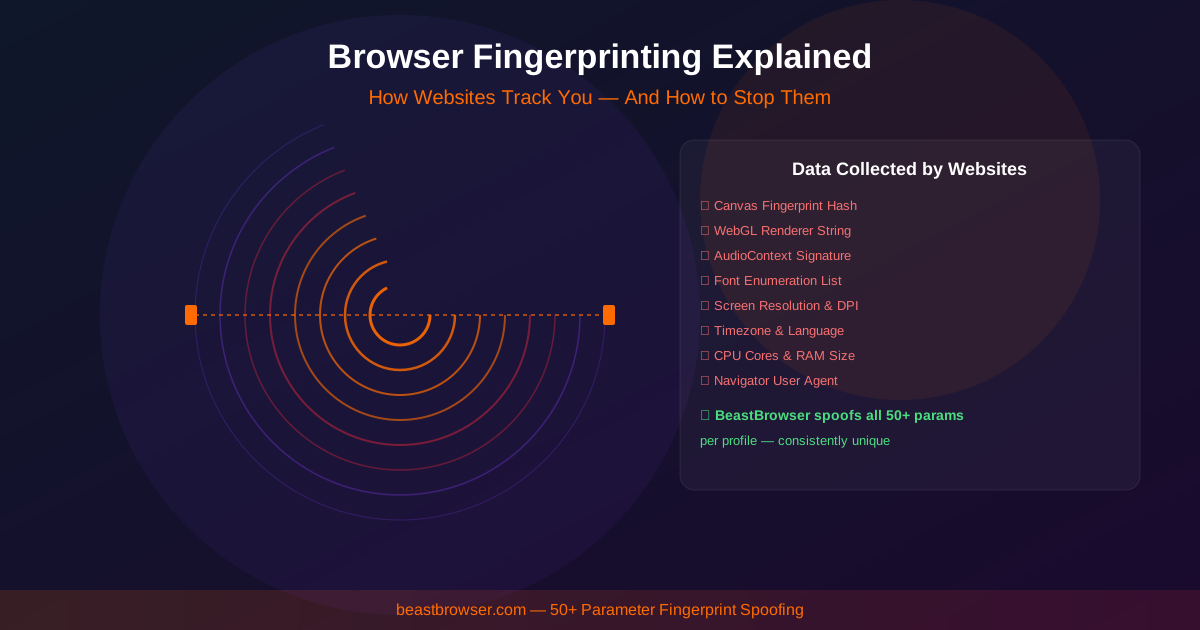
Marketers still talk about “clearing cookies” as if that were a new computer. Platforms moved on. A cookie is a label you stored. A canvas fingerprint is a measurement of how your GPU and font stack draw a hidden picture. WebGL does the same for 3D. AudioContext hashes how your sound card processes a tiny signal. Those measurements survive “delete site data” because they are not site data. They are how the machine paints.
If you run Facebook, Amazon, or a wallet in two Chrome users on one PC, you may have two cookie jars and one graphics fingerprint. That is the linking story most VPN ads never mention. This article separates the two layers so you can set up profile isolation without cargo-cult steps.
Cookies: powerful, and easy to misunderstand
First-party cookies remember logins. Third-party cookies are weaker than they were, but first-party storage, localStorage, IndexedDB, and cache still bind a session to a profile folder. If two stores share a profile directory, they share a life. Isolated multi-profile browsers give each login its own directory on disk. That is the cookie half of the problem, and it is necessary. It is not sufficient.
Cookie isolation also stops sloppy ops: a VA opening Client B while Client A’s pixel is still in memory, or a research extension writing to the same origin you use for spend. If your team still uses one Chrome and a spreadsheet of passwords, you do not have a fingerprint problem yet — you have a session hygiene problem.
Canvas, WebGL, and the “same GPU” graph
Fingerprinting scripts draw off-screen and hash the pixels. Tiny differences in GPU, driver, and anti-aliasing make large hash differences — unless two profiles accidentally share the same spoof. Cheap tools randomize every launch, which looks like a new device every morning and can be more suspicious than a stable office PC. Serious multi-profile software keeps a stable identity per profile and a different identity across profiles, then collision-checks so two rows on your list do not look like twins.
WebRTC is the other quiet leak: a page can ask for local network candidates even when the proxy is on. If STUN reveals your real adapter while the HTTP proxy shows another country, you have painted a map for the risk engine. Fonts and timezone complete the picture. A JP proxy with an en-US locale and an India timezone is a novelty account waiting to happen.
How to think about “identity” in BeastBrowser
Treat each profile as a small computer: its own cookies, its own Canvas/WebGL/Audio, its own proxy, its own clock. Launch Work_US only for that store or ads login. Do not “just test” another account in the same window. Android and iOS profile types exist because mobile traffic should not inherit a desktop GPU hash. The Profiles window is the source of truth — Ready, proxy column, Launch — not a pile of Chrome shortcuts.
Automation must respect the same rule. Synchronizer and RPA replay inside the profile that launched. Local API start/stop should name a profile ID, not “whatever Chromium is open.” If a script shares a user-data-dir, you have rebuilt one cookie jar with extra steps.
What isolation is not
Isolation is not a guarantee against bans, and it is not permission to spam platforms. Payment methods, documents, and behavior still matter. What it does is stop the boring, accidental graph: two honest accounts that shared a GPU hash because someone used one laptop Chrome for everything.
For the product checklist — Canvas, WebGL, Audio, session storage — see Profile Isolation and Browser Identity Settings. Then download BeastBrowser and give every login a folder that is actually its own world.
