 Beast
Beast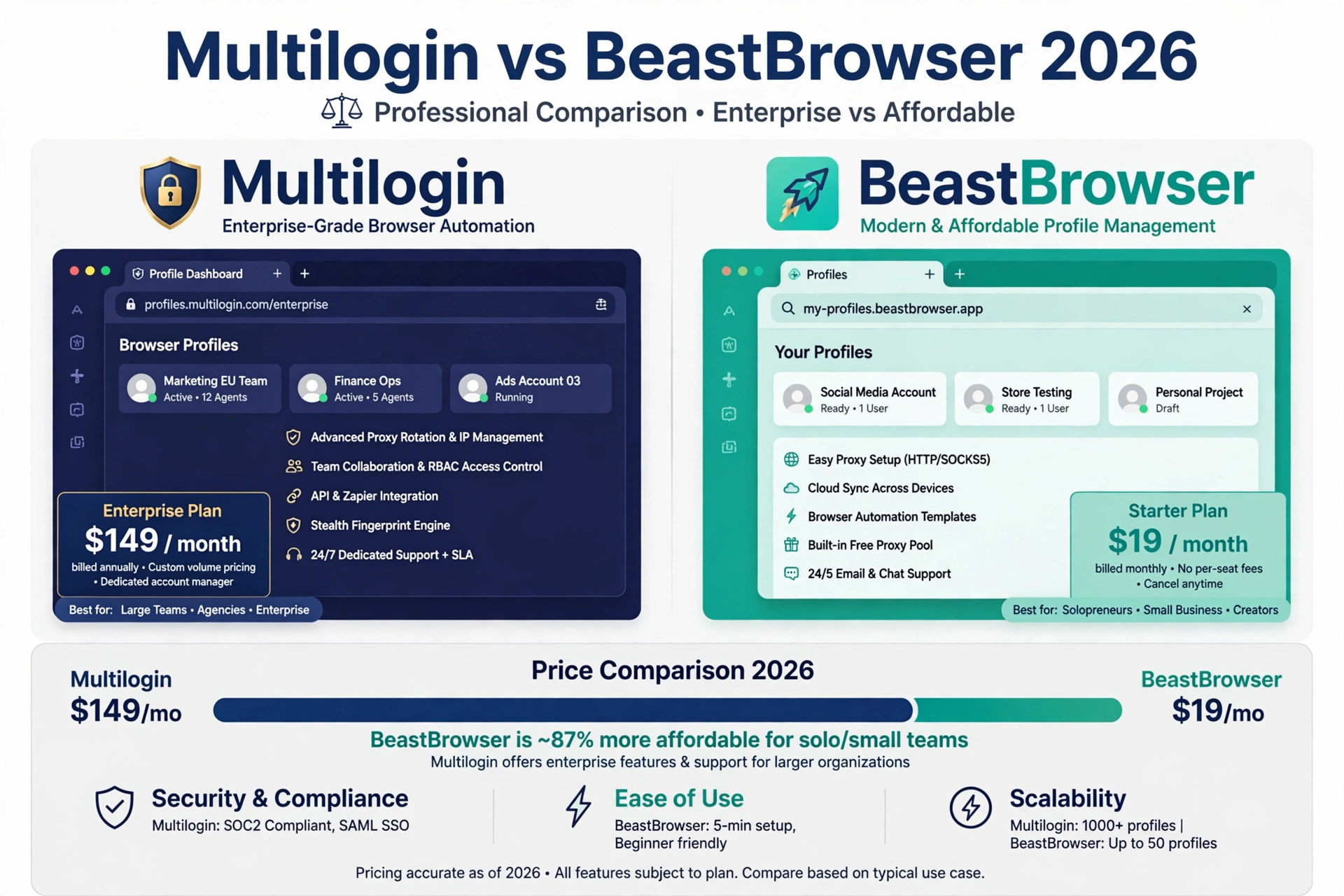
Try BeastBrowser for free
Multi-profile anti-detect browser — unlimited profiles on paid plans, no credit card required.
Try BeastBrowser for freeIf you're running Multilogin right now, you already know the pain. It works — nobody disputes that. But the pricing stings, the interface feels like it was designed for engineers (because it was), and every time you need to scale up profiles, you're doing mental math on what it'll cost.
I spent two weeks testing Multilogin against BeastBrowser side by side. Here's the honest breakdown.
The Pricing Problem Nobody Talks About
Multilogin's pricing tiers scale with your usage. The more profiles you run, the more you pay. For a solo operator with 20 profiles, it's manageable. For an agency running 200+ profiles across clients? The monthly bill gets uncomfortable fast.
BeastBrowser is $30/month flat for unlimited profiles (verified 2026-10-15). Annual is $199/year (verified 2026-10-15). That's it. Whether you run 10 profiles or 1,000, the price doesn't move.
Do the math for your setup. If you're paying more than $30/month for profile count alone, you're overpaying.
| Feature | Multilogin | BeastBrowser |
|---|---|---|
| Monthly price | Tiered by usage | $30/mo flat |
| Profiles included | Counted per tier | Unlimited |
| Annual plan | Tiered pricing | $199/year |
| Automation | External integrations & scripting | Built-in RPA recorder (no code) |
| Learning curve | Steep — built for engineers | First profile in under 10 minutes |
Multilogin pricing varies by tier — check their official pricing page for current rates. BeastBrowser pricing verified 2026-10-15.
BeastBrowser: one flat price at any scale
Whether you run 10 profiles or 1,000, the price doesn't move. Prices verified 2026-10-15.
Fingerprint Quality: Where It Actually Matters
Multilogin built its reputation on fingerprint emulation, and deservedly so. Their Mimic and Stealthfox engines are solid.
BeastBrowser covers 50+ fingerprint parameters — canvas, WebGL, audio context, WebRTC, fonts, timezone, geolocation, hardware concurrency, and the deeper surfaces most tools skip. I ran both through Pixelscan and CreepJS. Both passed. The difference isn't in whether they work — it's in what you pay for that passing grade.
One thing I specifically tested: profile-to-profile fingerprint collisions. Some tools randomize the easy stuff (user agent, screen resolution) but leave shared WebGL renderer strings across profiles. That's a quiet linker. BeastBrowser didn't have this issue in my testing.

The Learning Curve Gap
This is where the difference is starkest. Multilogin's interface assumes you already know what you're doing. First-time setup took me the better part of an afternoon, and I do this for a living.
BeastBrowser's onboarding: install, create profile, assign proxy, go. I had my first isolated profile running in under 10 minutes. For teams onboarding non-technical staff, this matters more than any feature list.
Automation: Built In vs Bolted On
Multilogin handles automation through external integrations and scripting. It works, but you're wiring things together yourself.
BeastBrowser has an RPA recorder built into the app. Hit record, do the task once, replay it across any profile. No code. For repetitive work — daily logins, form fills, session warm-ups — this saves hours per week.
There's also a synchronizer (mirror actions across multiple profiles simultaneously) and a local API + MCP server for developers who want programmatic control.
Proxy Management
Both support HTTP, HTTPS, SOCKS4, and SOCKS5. BeastBrowser adds an in-app proxy store, which means you can buy and assign proxies without leaving the app. Small convenience, but it removes a step from every new profile setup.

Who Should Stay on Multilogin
Honest take: if you're deeply integrated with Multilogin's API, have custom scripts built around it, and the cost isn't a concern — there's no urgent reason to switch. Migration has a cost too (time, retraining, re-testing fingerprints).
Who Should Switch
- You're paying for profile count and it's hurting
- Your team finds Multilogin hard to learn
- You want built-in RPA without coding
- You're starting fresh and want the simpler path
The Free Plan Test
BeastBrowser has a free plan (no credit card). My suggestion: don't take my word for any of this. Install both, create the same 5 profiles in each, run them through Pixelscan, and compare. The test takes 30 minutes and tells you more than any blog post will.
Pricing verified 2026-10-15. I work on BeastBrowser — this comparison is honest but not neutral. Test both yourself.
Sources
- Multilogin official website & pricing — multilogin.com
- BeastBrowser pricing — beastbrowser.com/pricing
- Pixelscan fingerprint checker — pixelscan.net
- CreepJS fingerprint test — abrahamjuliot.github.io/creepjs
All pricing verified 2026-10-15.