 Beast
By Ajay Mishra, Team BeastBrowser
If you run paid campaigns or send marketing emails, you've seen this problem: a dozen ad variants go live, traffic lands on your site, and your analytics can't tell which link did the work. UTM parameters — short tags appended to a URL that record the source, medium, and campaign of every click — are the standard fix, and a UTM builder is the fastest way to generate them consistently.
Building them by hand is where tracking quietly falls apart. One mistyped parameter or an inconsistent campaign name splits a single campaign into several rows in your reports. BeastBrowser's free UTM Builder exists to remove that failure mode. It's a single-page utility that assembles standardized campaign tracking URLs from your inputs, so every link you ship uses the same format.
I ran it through its paces — the quick presets, the required and optional fields, and the generated output — to see exactly what it does and where its edges are. Here's the full breakdown.
TL;DR
- It builds standardized UTM tracking URLs in seconds. Paste a destination URL, fill in the source, medium, and campaign fields, and the tool outputs a ready-to-share tracking link.
- Quick presets cover the big channels. One click pre-fills common source/medium combinations for Facebook Ads, Google Search Ads, TikTok Ads, and Email Newsletter.
- Free with no signup. The tool runs entirely in the browser — no account, no paywall, and nothing to fill in before you get your link.
- One-click Copy Link. The generated tracking link appears in a dedicated output box with a Copy Link button, so you can grab it and paste it straight into your ad or email.
Key facts
| Fact | Detail |
|---|---|
| Tool | UTM Campaign Link Builder (BeastBrowser free tool) |
| What it does | Constructs standardized campaign tracking URLs with UTM parameters (utm_source, utm_medium, utm_campaign, utm_term, utm_content) for Google Analytics and ad networks |
| Price | Free |
| Signup | None required |
| Output | Generated tracking link in an output box with a Copy Link button |
How to use it
- Open the tool at https://ads.beastbrowser.com/utm-builder.
- Optionally click a quick preset — Facebook Ads, Google Search Ads, TikTok Ads, or Email Newsletter — to pre-fill the source and medium fields.
- Paste your destination page into the Target Website URL field.
- Fill in Campaign Source (utm_source) and Campaign Medium (utm_medium). Both are required.
- Optionally add Campaign Name (utm_campaign), Campaign Term (utm_term), and Campaign Content (utm_content) for finer-grained reporting.
- Your tracking link appears in the Generated Tracking Link box — hit Copy Link to copy it to your clipboard.
Who it helps
- Media buyers running campaigns across Facebook, Google, and TikTok who need consistent parameter naming across every ad variant.
- Affiliate marketers who tag each placement so traffic sources and commissions stay attributable.
- Email marketers tagging newsletter links to separate email traffic from other channels in analytics.
- Anyone reporting in Google Analytics who's tired of untagged visits collapsing into "direct" traffic.
Limitations
- One link at a time. The tool builds a single tracking URL per form submission — the page offers no bulk or batch mode.
- No link shortening. The output is the full parameterized URL. If you need a compact link for character-limited placements, run it through a URL shortener separately.
- Nothing is saved. There's no account or history on the page, so generated links aren't stored anywhere — copy your link before you navigate away.
- Manual input only. Every value is typed by you or pre-filled from a preset. The tool doesn't pull campaign data from your ad accounts, and nothing on the page validates that your analytics setup will record the parameters.
FAQ
What are UTM parameters?
Short tags — utm_source, utm_medium, utm_campaign, utm_term, utm_content — appended to a URL. They tell analytics platforms where a click came from and which campaign it belongs to, so your reports can attribute traffic correctly.
Why are UTM links essential for media buyers and affiliate marketers?
Without them, traffic from different campaigns collapses into generic buckets in your reports. You can't tell which ad, placement, or email drove a visit — or which one earned the commission.
Do I need an account or signup to use the UTM Builder?
No. The tool is free and runs without any signup or login.
Which fields are required?
Target Website URL, Campaign Source, and Campaign Medium are marked required. Campaign Name, Term, and Content are optional but worth filling in for detailed reporting.
What do the quick presets do?
They pre-fill the source and medium fields with common combinations for Facebook Ads, Google Search Ads, TikTok Ads, and Email Newsletter, so you don't retype them for every link.
Does the generated link work with Google Analytics?
Yes. The tool outputs standard utm_* parameters, which Google Analytics and most ad platforms recognize out of the box.
Does the tool shorten my link?
No. It outputs the full tracking URL. Pair it with a URL shortener if you need a compact link for SMS, social bios, or other character-limited placements.
Try it now
Use the free UTM Builder here: https://ads.beastbrowser.com/utm-builder — no signup, and your first tracking link takes under a minute.
Sources & Credits
- BeastBrowser UTM Campaign Link Builder — https://ads.beastbrowser.com/utm-builder (tool interface, field labels, presets, and output verified live on 2026-11-03).
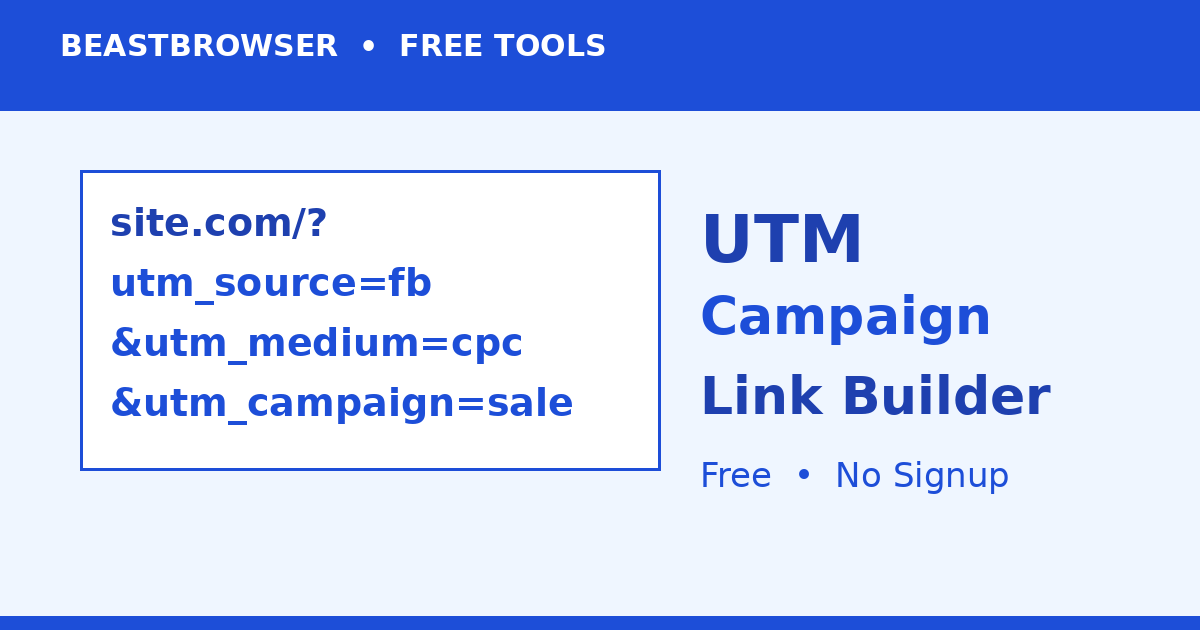
- Cover image: custom BeastBrowser artwork (1200×630).


